
It feels bad ☹️ when you’re downloading a file in your browser and it stops
😡 at 90% or you are not able to resume the downloading.
It is a waste of time & money.
But don’t worry 😉 because in this post you know the best applications to
solve all these types of downloading problems known as Download Managers.
I have tried more than 11 Windows Download Managers and from them, I select
the 3 BEST Downloading Software for Windows PC.
Features to LOOK FOR
few key features to look for.
-
First, you want a download manager that is
fast and efficient. A good download manager
will be able to download files quickly, without eating up all of your
bandwidth. -
Another important feature to look for is the
ability to resume downloads. If your
connection is lost or interrupted, you don’t want to have to start the
download all over again from scratch. A good download manager will be
able to pick up where you left off, so you can resume your download as
soon as possible. -
Finally, you want a download manager that is easy to use and has
a good user interface. You don’t want to be
struggling to figure out how to use the software when you’re trying to
download a file. Look for a download manager with a straightforward
interface that is easy to navigate.
Here are the 3 best download managers for Windows PC.
Here I only discuss top download managers for Windows 11 and 10/7/etc.
If you are a smartphone user, go with ⨠
Best Download Managers for Mobile.
IDM [Internet Download Manager]
Best Downloaders for Windows. And here are the reasons…
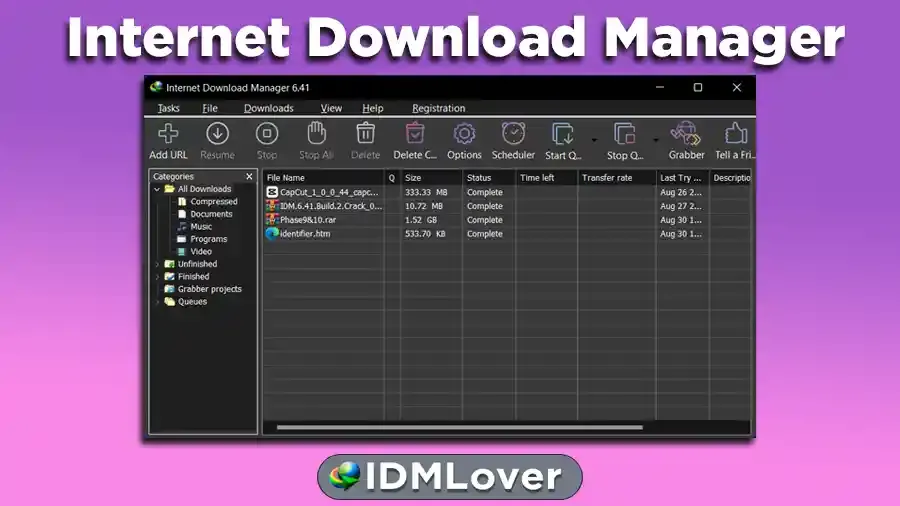
IDM(Internet Download Manager) is a Paid Downloader Manager for Windows PCs
with extra cool and advanced features. If you download Internet
Download Manager from its Official site IDM comes with 30 days trial
version. Internet Download Manager is developed by an American company Tonec
FZE.
Download IDM Trial
😍 Download IDM Full
If you are searching for a YouTube, FaceBook, Instagram… Video Download
Manager then again you don’t need to install any other 4k Video Downloader
or Youtube Video Downloader Software because the IDM can solve this
problem with one click. Here you can read the steps on
How to Download Video From Streaming Sites with IDM. [It will save your TIME 😊]
What We Like About IDM
- ✅ #1 Windows Download Manager
- ✈️ FASTEST Downloading Speed
- 😉Simple UI
- 🎥 Video Download Panel [Download Videos from any site with 1 click]
- 😊 Support All Browsers
- 👉 Resume/Pause Option
- 📂 Can Download Any File Type
- 🌍Multi-language
What We Don’t Like About IDM
Here are some disadvantages of IDM (Internet Download Manager), but don’t
worry, I linked the solution post with the IDM problems.
- ☹️ Can’t Download Torrent
- 😁 Only Free for 30-Days
- 📣 IDM Not Support Mega.NZ Downloading Directly
- 💔 Can’t Download YouTube Playlist Directly
FDM (Free Download Manager)
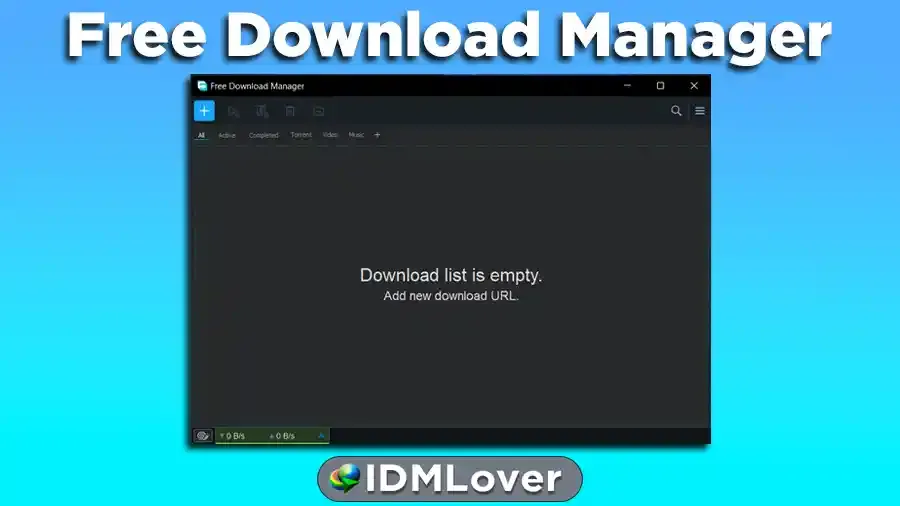
Download Free Download Manager
The next one that comes on the list is FDM (Free Download Manager). The
biggest good news is that FDM is totally free. And here are some features of
Free Download Manager.
What We Like About FDM
- 💯% Free and Safe
- 🌍 Support Multi-language
- 📂 Support most audio and video file formats
- ➡️ Easy to use
- 👍 Simple UI and Interface
- ⏯️Resuming Downloads
What We Don’t Like About FDM
- 😖 Less downloading speed as compared to Internet Download Manager
- 😟 Little challenging Integration with browsers
-
😿 Most of the time the FDM Video Download Panel does not show on the
videos you want to Download.
Neat Download Manager
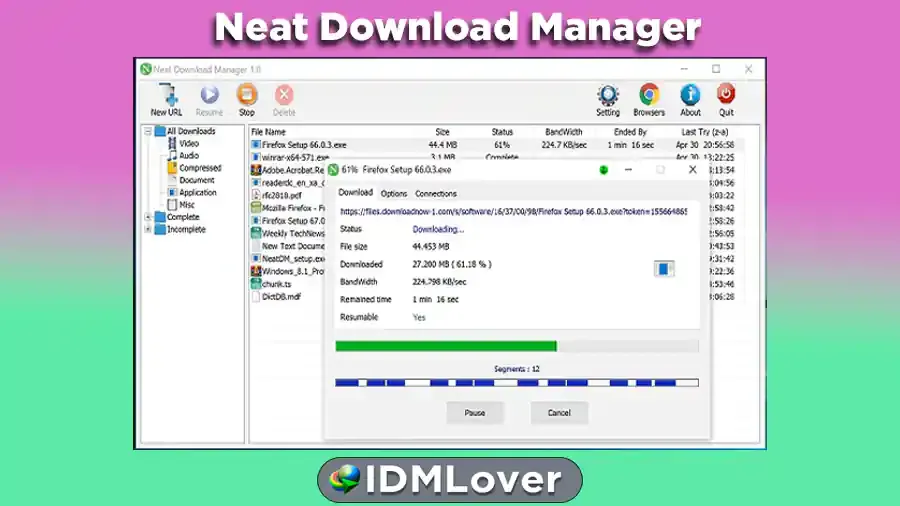
Download Neat Download Manager
Windows & Mac PC. You can say that the neat download program is a copy
of IDM [Internet Download Manager] because it provides a similar feature
to IDM.
What We Like About Neat Download Manager
- Uses an optimized Dynamic Segmentation Algorithm for FASTER SPEED.
- Speeds up your Downloads up to your total available Bandwidth.
-
Organizes your Downloads based on Download Status (Complete,
Incomplete) And File Type (Video, Document, …) - ❤️ Has Pause/Resume Capabilities and can resume crashed Downloads.
-
Has a Browser Extension that can send Download Links to it and helps you
download Video/Audio from any WebSite. -
Lets you set a Bandwidth Limit on your Downloads even when the Download is
in progress. -
Lets you set the maximum Connection Number on your Downloads even when
Download is in progress. -
Can download all .ts files of an HLS video and at the end merge all
segments into a single .ts file.
What We Don’t Like About Neat Download Manager
-
☹️The Neat Download Manager Video Download option doesn’t work in
Google Chrome. - 😒 Downloading Speed is good but not supreme like IDM.
My Recommendation [You LOVE 😍 It]
long if I start covering all available download managers for the
Windows operating system.
your downloading problems.